TECH
If you want to use Instagram secretly, then hide your online status like this, the method is very easy
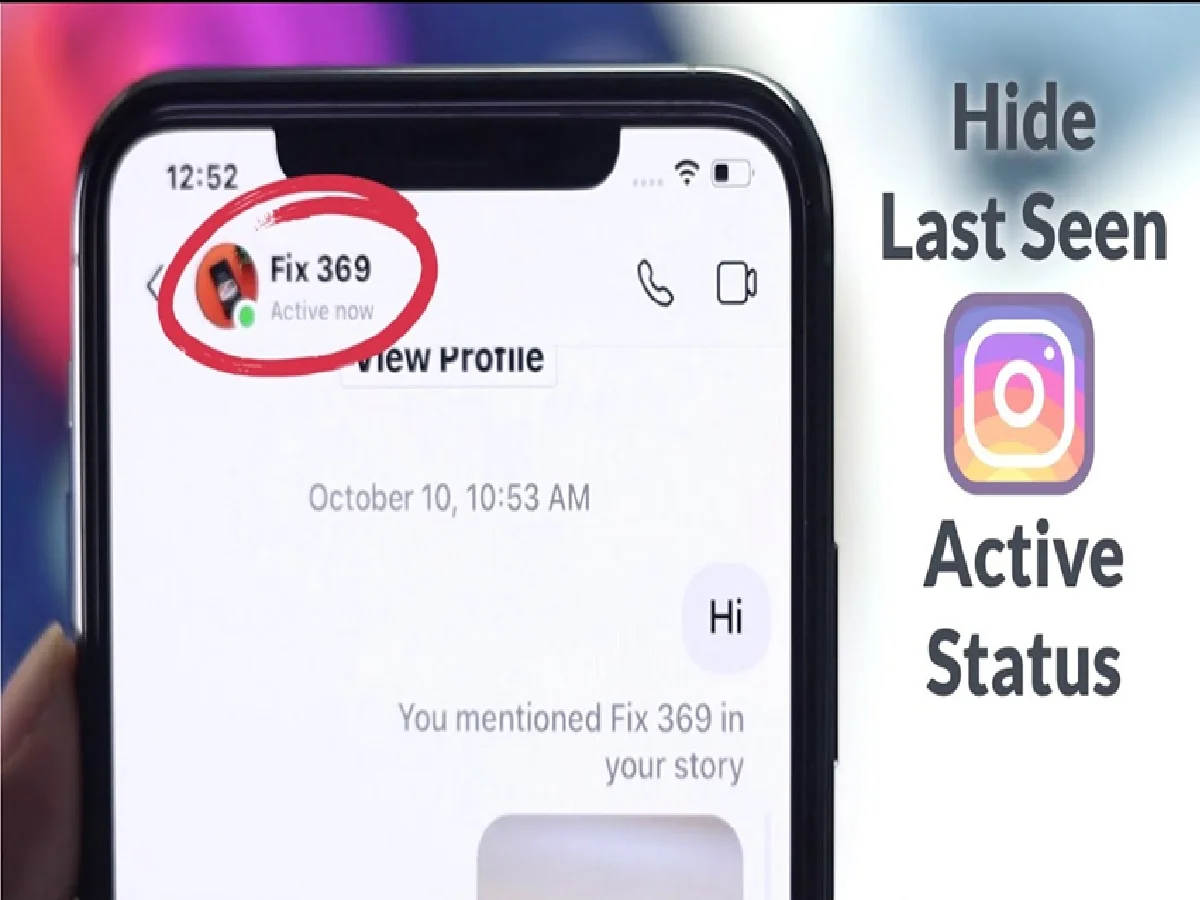
If you don't want others to know when you're active on Instagram, you can easily hide your online status using the app's privacy settings. Instagram shows an "Active Now" or "Last Active" status in Direct Messages (DMs), so people you follow or chat with can see when you're online.
Fortunately, the platform gives users the option to disable this feature. In this guide, we'll show you how to hide your Instagram online status, what happens after you disable it, and some important things you should know before changing the settings.
How to turn off active status on Instagram
Follow these steps:
Open Instagram
Go to your 'Profile'.
Tap the three lines (top right corner)
Go to 'Settings and Activity'.
Tap 'Messages and Story Replies'.
Select 'Show Activity Status'.
Turn it off.
PC: Youtube