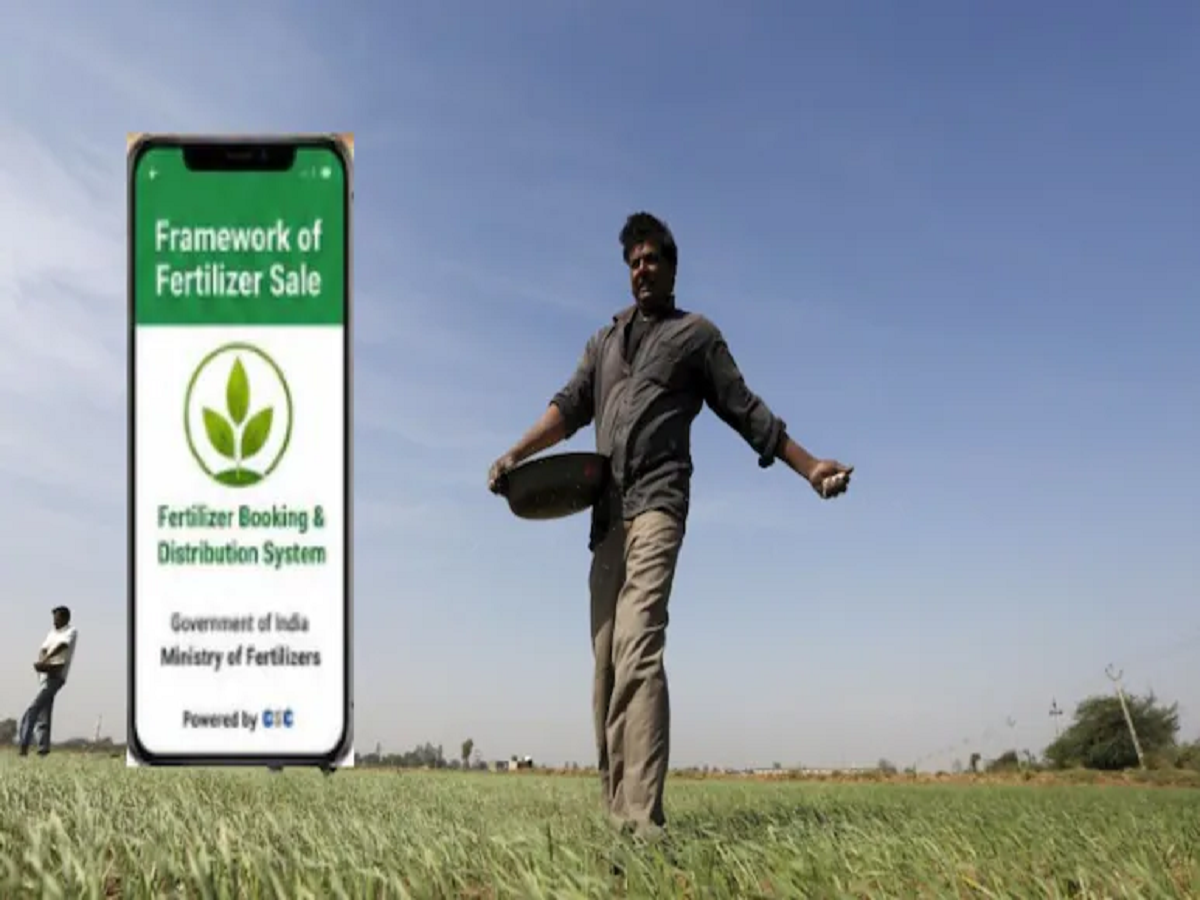
In a significant move to streamline fertilizer distribution and reduce long queues at retail outlets, the Uttar Pradesh Agriculture Department has introduced a new digital booking system for farmers in Rampur and Sitapur districts. Starting June 15, farmers will be required to reserve fertilizers through a dedicated mobile application before purchasing products such as urea, DAP, and NPK.
The initiative aims to make fertilizer distribution more transparent, ensure timely availability, and prevent issues such as black marketing and unnecessary shortages during the farming season.
New Fertilizer Distribution System Goes Digital
Under the new arrangement, farmers will no longer need to visit multiple shops in search of fertilizers. Instead, they can reserve the required quantity in advance through a smartphone application and collect it from a selected retailer.
The Agriculture Department believes this digital system will help distribute fertilizers according to actual demand while improving convenience for farmers.
What Is the 'Framework for Fertilizer Sale' App?
To use the new system, farmers must download the Framework for Fertilizer Sale mobile application.
The app enables users to:
-
Book fertilizers in advance
-
Select the required fertilizer type
-
Choose the quantity needed
-
View available fertilizer dealers nearby
-
Receive a digital token for collection
This digital platform is designed to simplify the purchasing process and reduce uncertainty regarding fertilizer availability.
How the QR Code-Based System Works
The new distribution model operates through a QR code and token-based mechanism.
Step 1: Enter Land and Crop Information
Farmers must first provide details about:
-
Agricultural land
-
Crop type
-
Cultivated area
Step 2: Select Fertilizer Requirements
Users can then choose:
-
Urea
-
DAP
-
NPK
-
Other available fertilizers
They must also specify the required quantity.
Step 3: Choose a Dealer
The app will display a list of authorized fertilizer sellers.
Farmers can select the dealer most convenient for them.
Step 4: Receive QR Code and Token
After completing the booking, the system generates:
-
A QR code
-
A unique token number
Step 5: Collect Fertilizer
The farmer must visit the selected retailer within two days and present the QR code or token number.
The dealer will verify the booking through a POS (Point of Sale) machine before issuing the fertilizer.
If the fertilizer is not collected within the prescribed period, the QR code and token will automatically expire.
Tenant Farmers and Sharecroppers Also Included
One of the major highlights of the initiative is the inclusion of tenant farmers and sharecroppers.
The Agriculture Department has categorized applicants into three groups:
Category 1: Farmer ID Holders
Farmers possessing a valid Farmer Registry ID and Aadhaar verification.
Category 2: Farmers Without Farmer Registry ID
Individuals who do not have a Farmer Registry ID but can provide land ownership details.
Category 3: Tenant and Sharecropper Farmers
Farmers cultivating land on lease or through sharecropping arrangements are also eligible under the new system.
This broader eligibility aims to ensure that all active cultivators have access to fertilizers when needed.
Authorized Representatives Can Collect Fertilizer
If a farmer is unable to visit the dealer personally, the system allows another individual to collect the fertilizer on their behalf.
A family member or authorized representative may collect the fertilizer using:
-
Aadhaar details
-
OTP verification
-
Required authorization procedures
This feature is expected to benefit elderly farmers and those unable to travel.
Documents Required for Booking
To complete fertilizer booking, farmers should keep the following documents ready:
-
Aadhaar Card
-
Mobile number linked with Aadhaar
-
Farmer Registry Number (if available)
-
Khatauni (land records)
OTP-based verification will be required during login and booking.
Step-by-Step Process to Book Fertilizer
Farmers can complete their booking by following these simple steps:
Step 1
Open the Framework for Fertilizer Sale app and log in using either:
-
Farmer Registry Number, or
-
Aadhaar Number
Step 2
Verify your identity through the OTP sent to the Aadhaar-linked mobile number.
Step 3
If logged in through the Farmer Registry Number, land details will appear automatically.
If using Aadhaar login, land information may need to be entered manually.
Step 4
Select your crop type.
Step 5
Choose the fertilizer category and quantity required.
Step 6
Select an authorized fertilizer dealer from the list displayed on the screen.
Step 7
Complete the booking and save the generated QR code and token number.
Step 8
Visit the selected dealer within two days and collect the fertilizer using the issued QR code.
Why This Initiative Matters
Fertilizer availability often becomes a major concern during peak agricultural seasons. Long queues, uneven distribution, and black-market sales can create challenges for farmers.
The new app-based booking system is expected to:
-
Improve transparency
-
Ensure demand-based allocation
-
Reduce overcrowding at fertilizer outlets
-
Prevent hoarding and black marketing
-
Make fertilizer procurement faster and more convenient
Final Takeaway
The introduction of the Framework for Fertilizer Sale app marks a major step toward digitizing agricultural services in Uttar Pradesh. By allowing farmers to reserve fertilizers in advance and collect them through a QR code-based system, the government aims to simplify distribution and ensure timely availability of essential agricultural inputs.
For farmers in Rampur and Sitapur, the new system could save valuable time, reduce uncertainty, and make fertilizer procurement more efficient during crucial farming periods.