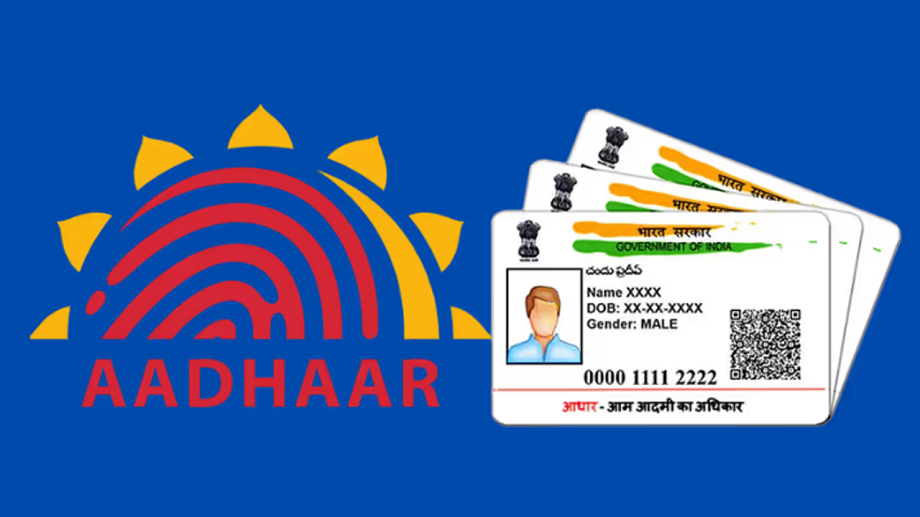
Aadhaar Card Update From Home: Aadhaar cards are a vital document for citizens, and incorrect information on them can cause numerous problems. This article explains how you can update your Aadhaar card from home using the official UIDAI website.
UIDAI online update portal: The Aadhaar card is one of the most essential documents for citizens of the country. Without one, it's difficult to access government schemes. Therefore, keeping it updated is crucial. Nowadays, almost all Indians have an Aadhaar card. Without one, many services are denied, making it essential to obtain one. This 12-digit unique ID card simplifies many tasks and is mandatory for government services, as we all know.
Sometimes, for some reason, some information gets entered incorrectly in the Aadhaar card, such as a spelling mistake. When Aadhaar was made mandatory, people may have obtained Aadhaar cards by submitting incorrect documents or providing incorrect information. Such errors are likely to occur at that time. Furthermore, updating your Aadhaar information periodically helps keep your personal information secure and reduces the risk of identity theft or misuse.
Step 1: Visit the Aadhaar Self-Service Update Portal. Visit the official UIDAI website and navigate to the online Aadhaar update section.
Step 2 : Sign in: Log in using your registered mobile number by entering the OTP sent to you.
Step 3: Start the update process: Choose the option to make changes to your Aadhaar details online.
Step 4: Select the field to correct: Select the information you want to update, such as correcting the spelling of your name.
Step 5: Enter the correct information: Carefully type in the correct information you want.
Step 6: Upload Proof Documents: Submit the necessary supporting documents to verify your changes.
Step 7: Verify and Submit: Before submitting your update request, double-check all the information entered. (Verify and Submit)
PC:Asianet news