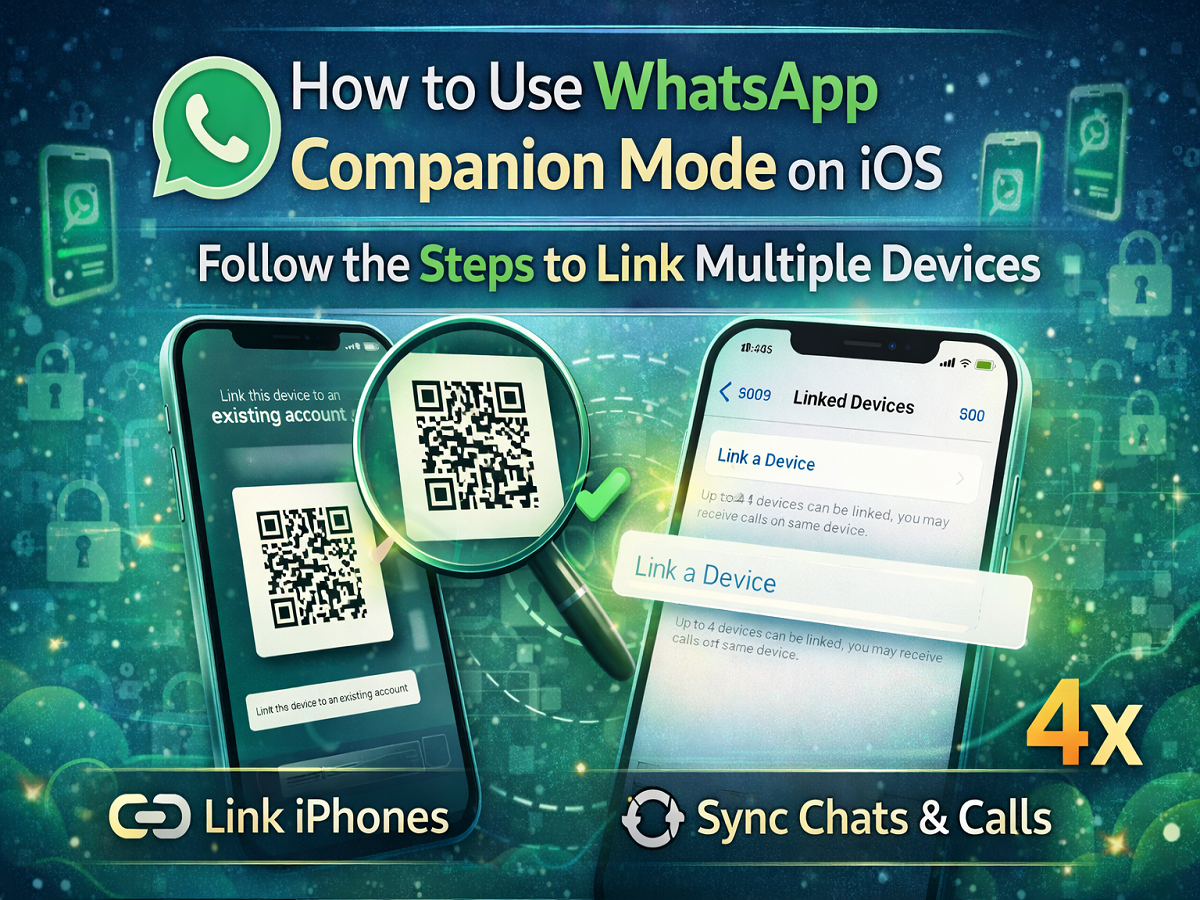
WhatsApp continues to improve its multi-device experience by expanding the Companion Mode feature to iOS users. Previously introduced for Android devices, this feature now allows iPhone users to link multiple devices to a single WhatsApp account without needing to log out from the main phone.
The Companion Mode feature builds on WhatsApp’s Linked Devices functionality, enabling users to access their chats and notifications across several devices at the same time. With this update, users can connect up to four additional iPhones to their existing WhatsApp account, making it easier to manage conversations on multiple devices.
This feature is particularly helpful for people who use more than one smartphone or want to access their WhatsApp messages on different devices without switching accounts.
Below is a simple guide explaining how WhatsApp Companion Mode works and how you can link multiple iOS devices to your WhatsApp account.
What Is WhatsApp Companion Mode?
WhatsApp Companion Mode is an extension of the Linked Devices feature that allows users to connect additional smartphones to an existing WhatsApp account.
Instead of running WhatsApp on just one primary phone, users can now link multiple devices and keep their chats synchronized across all of them.
With Companion Mode:
-
Up to four additional devices can be linked to one WhatsApp account
-
Messages and calls stay synchronized across devices
-
Users do not need to log out from the main phone
-
Chats remain protected by end-to-end encryption
This makes WhatsApp more flexible for users who frequently switch between devices.
Requirements Before Using Companion Mode
Before linking multiple devices, ensure the following:
-
Your iPhone has the latest version of WhatsApp installed
-
The primary phone already has an active WhatsApp account
-
Both devices have a stable internet connection
Updating the app ensures that the Companion Mode feature is available on your device.
Steps to Link an iPhone Using WhatsApp Companion Mode
Follow these steps to connect another iPhone to your existing WhatsApp account:
-
Install or update WhatsApp to the latest version on the secondary iPhone.
-
Open WhatsApp on the new iPhone.
-
Tap on the option “Link this device to an existing account.”
-
A QR code will appear on the screen.
-
Now open WhatsApp on your primary phone.
-
Go to Settings (on iPhone) or tap the three-dot menu (on Android).
-
Select Linked Devices.
-
Tap Link a Device.
-
Use the primary phone to scan the QR code displayed on the second iPhone.
Once the QR code is scanned successfully, the new iPhone will be linked to the same WhatsApp account.
How Companion Mode Improves the WhatsApp Experience
The addition of Companion Mode brings several benefits to WhatsApp users:
1. Use WhatsApp on Multiple Phones
Users can now operate the same WhatsApp account on several smartphones simultaneously.
2. Seamless Chat Synchronization
Messages and conversations remain synchronized across all connected devices.
3. No Need to Log Out
Unlike earlier versions, users no longer need to log out from their primary device to access WhatsApp on another phone.
4. Improved Flexibility
This feature is ideal for people who manage multiple devices for work and personal use.
When This Feature Is Useful
Companion Mode can be helpful in several scenarios:
-
Using WhatsApp on a personal and work phone simultaneously
-
Accessing chats from backup or secondary devices
-
Managing messages on multiple smartphones without switching accounts
WhatsApp Companion Mode marks a significant improvement in the platform’s multi-device capabilities. By allowing users to connect multiple smartphones to a single account, WhatsApp provides greater flexibility and convenience.
If you frequently switch between devices or want to access WhatsApp from more than one phone, updating your app and enabling Companion Mode can make communication much easier.